Lounge Chat
Chat with any LLM interactively in Lounge, the LLM Gateway chat app
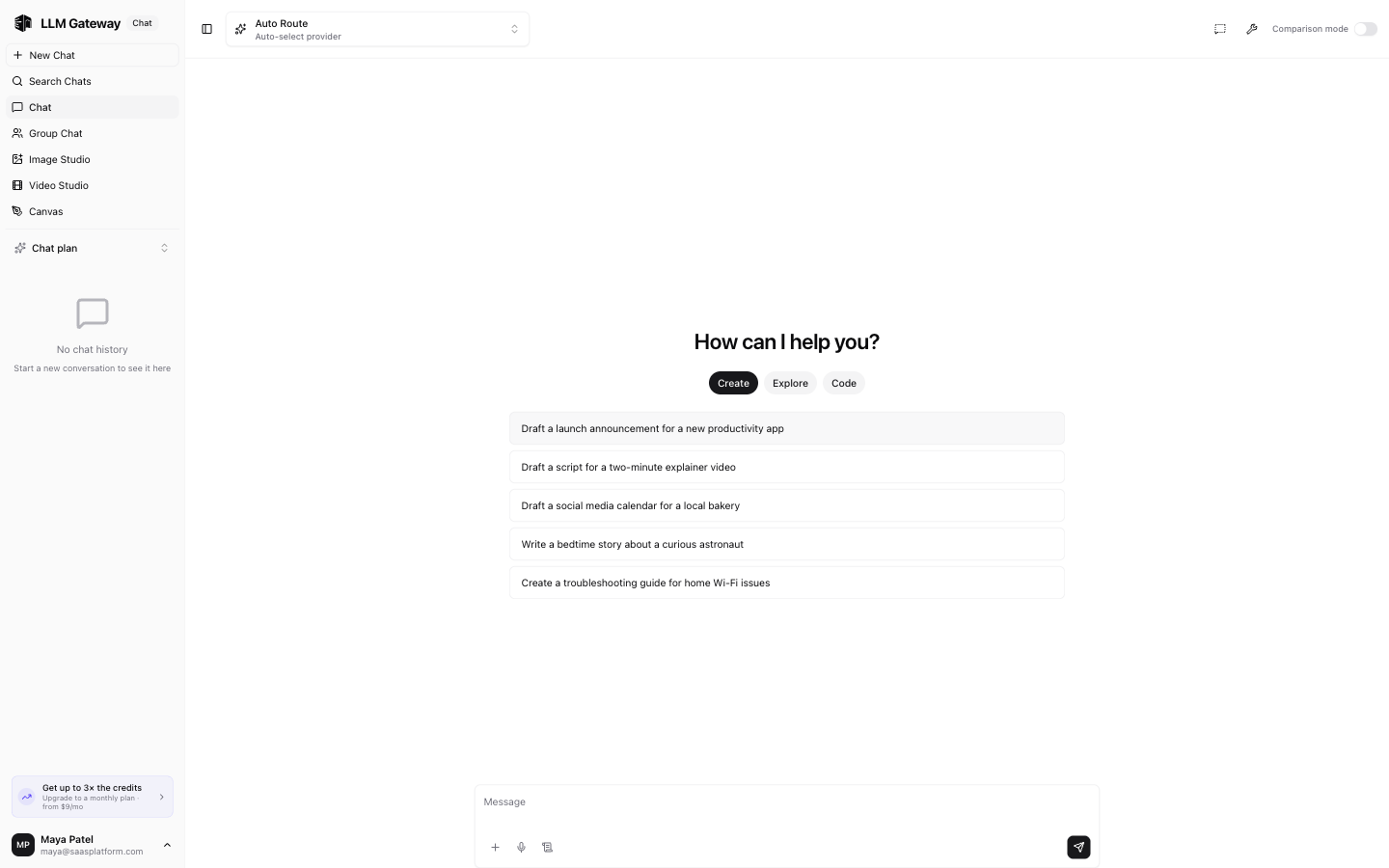
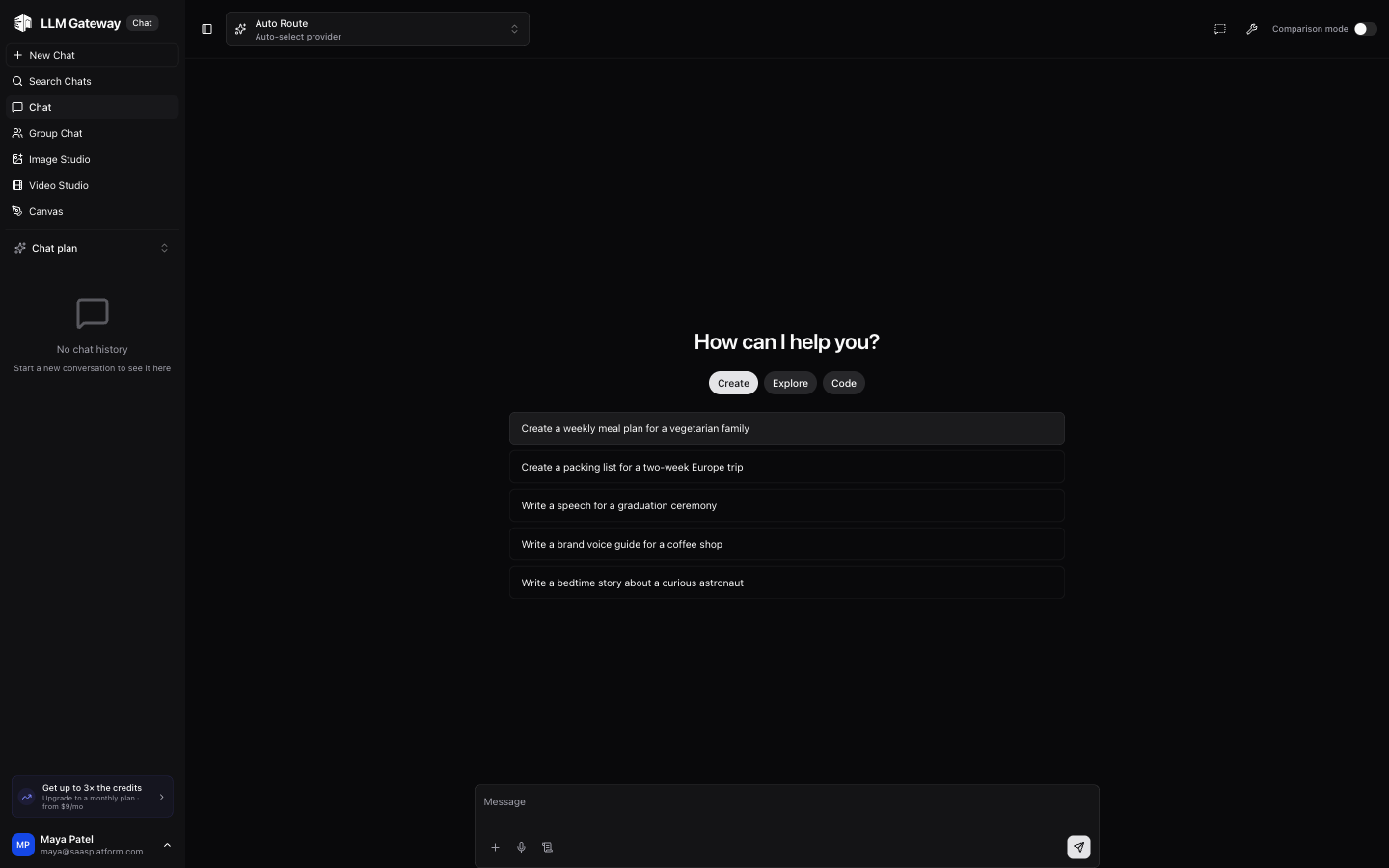
Lounge is a standalone chat app for talking to any LLM through a conversational interface. You can select any supported model, adjust parameters, and see responses in real time.
Model Selection
Use the dropdown at the top to pick a model and provider. The Auto Route option automatically selects the best provider based on availability and cost.
Chat Interface
- Type your message in the input field at the bottom
- Click the send button or press Enter to submit
- Responses stream in real time
- Previous conversations appear in the sidebar
Prompt Suggestions
When starting a new chat, category tabs help you pick a prompt:
- Create — Content generation prompts
- Explore — Research and analysis prompts
- Code — Programming and development prompts
- Image gen — Image generation prompts
Sidebar
The left sidebar shows your chat history. Click + New Chat to start a fresh conversation, or select a previous chat to continue it.
Comparison Mode
Toggle Comparison mode in the top-right to send the same prompt to multiple models side by side. See the Group Chat page for details.
Image Studio
Click Image Studio in the sidebar to switch to the image generation interface. See the Image Studio page for details.
How is this guide?
Last updated on